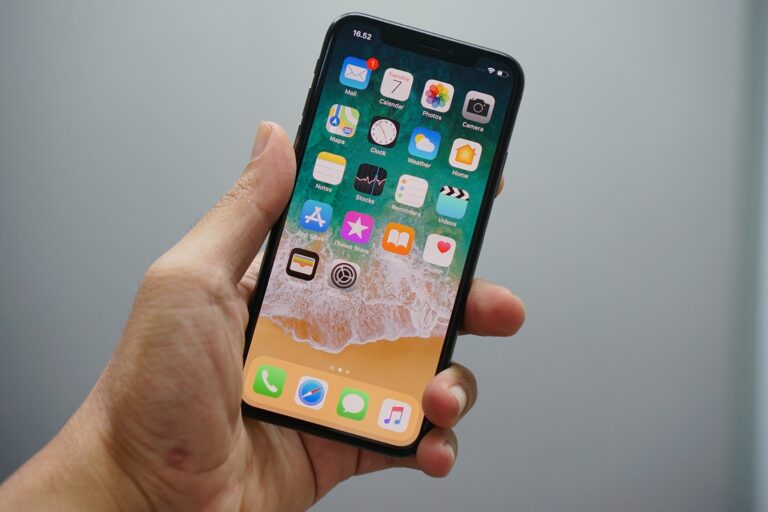
iPhone users are becoming less dependent on their laptops and are relying more on their iPhones to meet their basic communication and productivity needs. Sadly missing from the iPhone however, is the ability to sync or access remote documents. That’s where Air Sharing comes in.
Air Sharing claims to be the “easiest way to take your documents with you and view them on the go”, and it definitely lives up to its promise! The desire for document sharing has been so great that the free version of Air Sharing was downloaded by nearly one million users in its first two weeks (as of last night it became a paid app and now sells for $6.99).
I must say I was very impressed by Air Sharing’s built-in help, a feature I would love to see in more iPhone applications. The application was so intuitive that I was able to start sharing files in less than a minute!
It works with Macs, PCs (Windows XP or Vista), and even Linux machines. You can also access files directly from your Web browser. You simply “mount” your files as a shared network drive using the provided URL and presto!
The list of support document formats includes Microsoft Office, PDF, RTF, iWork, HTML, and most common audio, graphic, and video formats! You can also choose to protect files using a login and password or allow public access.
I was so impressed with Air Sharing that I decided to give its developer a call. When I got on the phone with Dave Howell of Avatron Software, I realized that Dave and I have actually crossed paths many years ago at a company called Xaos Tools, where Dave was doing some consulting work.
A six-year Apple veteran, Dave left Apple after cashing in his stock options and then got an MBA at Cornell before starting Avatron. The company’s first order of business was to come up with application ideas. The team came up with around 60 ideas but narrowed it down to one – Air Sharing, an idea they felt “filled a gaping hole in the iPhone’s feature set”.
According to Dave, 10% of all iPhone users have downloaded the application. As for advice to fellow developers, Dave suggests they “pick something that is small enough to do perfectly” and make sure to have all your legal t’s crossed to speed up the App Store approval process.
When it comes to the topic of quality, Dave makes a great point. Most of the people who bought an Apple iPhone care about style and have an exacting taste. The most successful applications in the App Store play to their sensibilities!